
Problem
Regenerating often changes the face, pose, product shape, lighting, camera angle, and overall composition. Users need controlled edits, not another random variation.
AI image post-editing
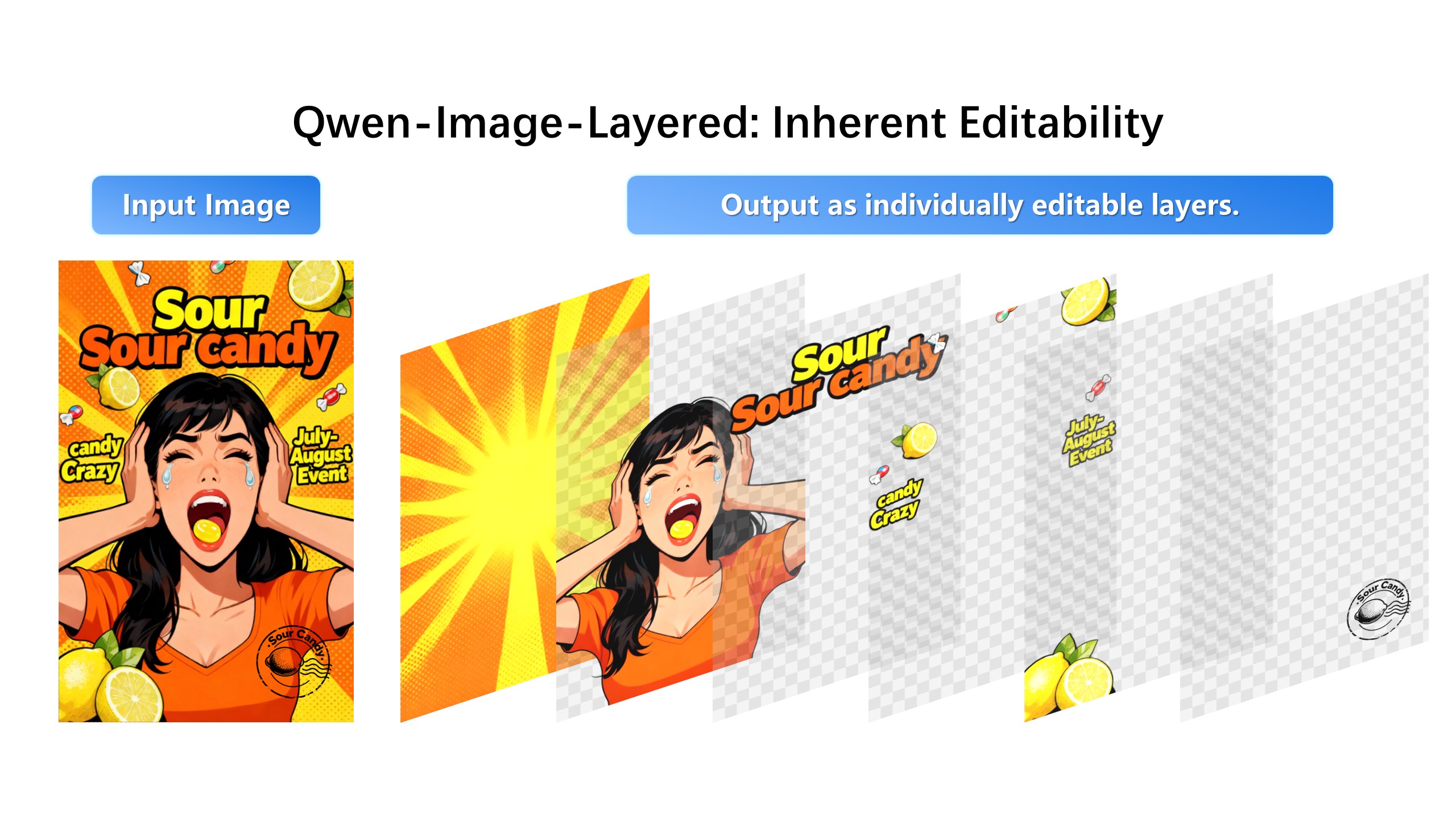
The expensive part of AI image work is not generation. It is revision. Image Layered turns a finished image into editable layers so you can change one object, background, outfit, label, or text block without throwing away the image that already works.
Change only the jacket to black satin, keep the face and pose identical.
Regenerating often changes the face, pose, product shape, lighting, camera angle, and overall composition. Users need controlled edits, not another random variation.
Upload an image, separate it into layers, select the part that needs work, and describe the change. The rest of the image stays available as visual context for a more predictable edit.
A typical campaign image survives five to fifteen changes: a different headline, a swapped prop, a darker background, a legal-safe label. Each full regeneration re-rolls every detail you already approved, so teams burn credits re-chasing a composition they had hours ago. Layer-based revision inverts that: the approved image is the starting state, and only the named object is negotiable.
Most AI editors mask a region and repaint it, which is why edges drift and lighting breaks. Image Layered runs a decomposition model that rebuilds the image as a stack of transparent layers — subject, outfit, background, shadow — then edits the selected layer with the rest held fixed as context. The output recombines what you kept with what you changed.
Decomposition quality depends on the source. Tightly fused elements — hair against a busy background, baked-in shadows, heavily compressed JPEGs — separate less cleanly. The workflow compensates: keep fragile regions inside the layer you are not touching, and export at original resolution.
1. Upload the final JPG, PNG, or WEBP image.
2. Use AI layer separation to split subject, product, text, background, and shadow.
3. Select the exact layer that needs revision.
4. Edit, extract, download, or recombine the result.
No. Image Layered is focused on post-editing: the workflow after you already have a good image and only need controlled changes.
Layer-based editing is designed to reduce unwanted changes because you can isolate the element that should change and preserve the rest as context.