
Problem
A reroll can lose the expression, framing, palette, and mood that made the image good. That is frustrating when the requested change is small.
Midjourney post-editing
Midjourney can produce a beautiful base image, but final delivery often requires small corrections. Image Layered helps you keep the winning image and revise only the part that is wrong.
Keep the face exactly the same and change only the shirt to white linen.
A reroll can lose the expression, framing, palette, and mood that made the image good. That is frustrating when the requested change is small.
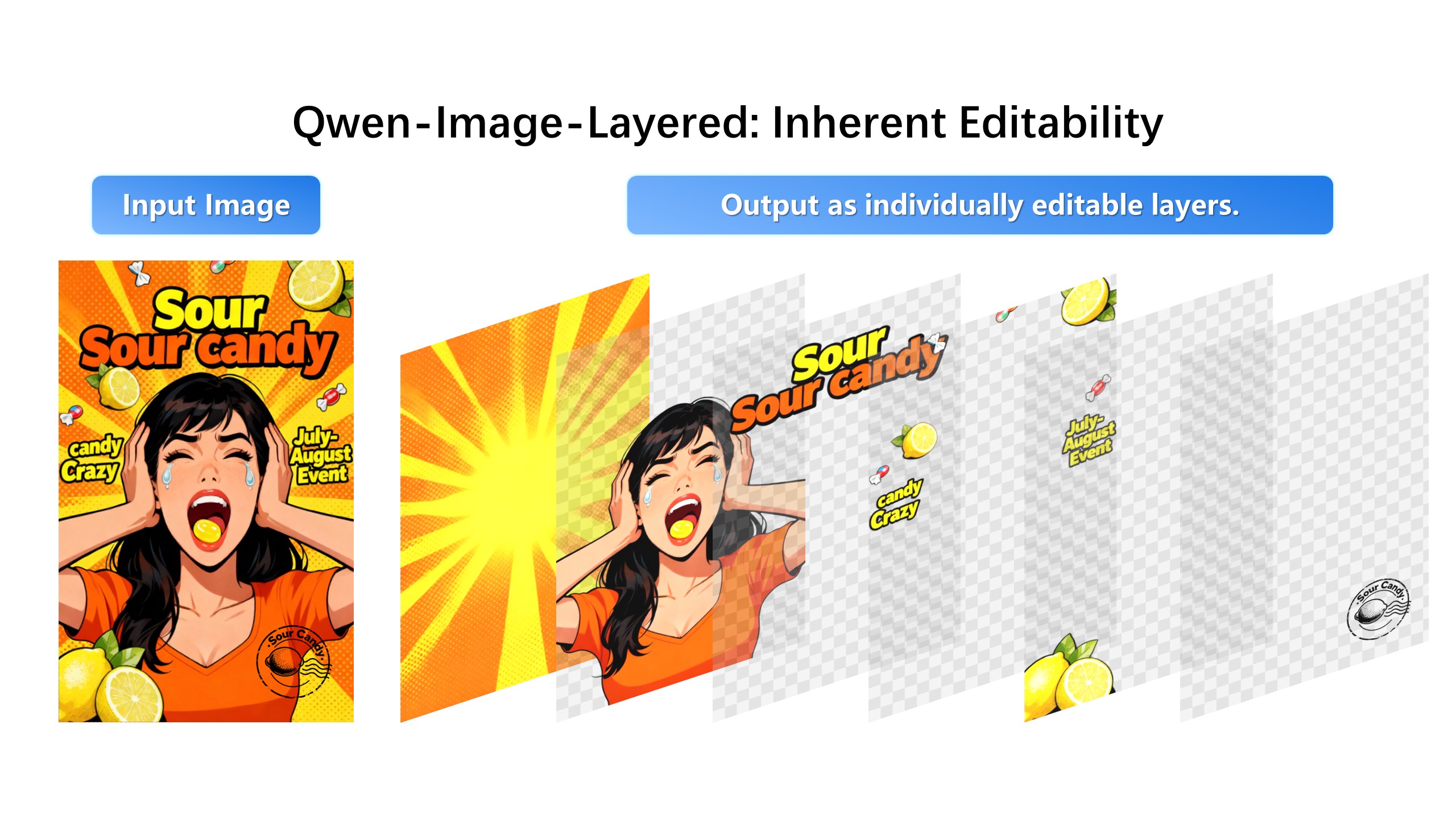
Convert the Midjourney output into editable layers, choose the faulty element, and make a local AI edit.
A strong Midjourney output is usually right everywhere except one thing: one hand, a logo, the color of a chair. Re-rolling trades your good render for a new gamble; vary-region fixes the area but can clash at the seams. Uploading the result into a layer editor lets you spend your fix only on the broken tenth.
You do not need the original prompt here — the image itself is the input. Decomposition reads the finished render and rebuilds its structure: subject, garment, face region, background. Your edit instruction then targets a layer, not a seed, which is why the untouched 90 percent stays pixel-stable.
The pipeline is model-agnostic on the input side: any flattened PNG or JPG from any generator becomes the same layer stack. Teams standardize one revision workflow across every generator they use, instead of learning five different region-edit tools.
1. Export your Midjourney image.
2. Upload it to Image Layered.
3. Separate subject, background, text, and props.
4. Edit the selected layer and recombine the result.
No. The workflow starts from the exported image file.
Yes. Any uploaded image can use the same layer-based revision workflow.