
Problem
OCR can read text, but it does not rebuild the background behind it or preserve the poster design.
Editable image text
Text inside an image is often the reason a good creative cannot be reused. Layer separation helps treat text as a visual element that can be removed, replaced, translated, or exported.
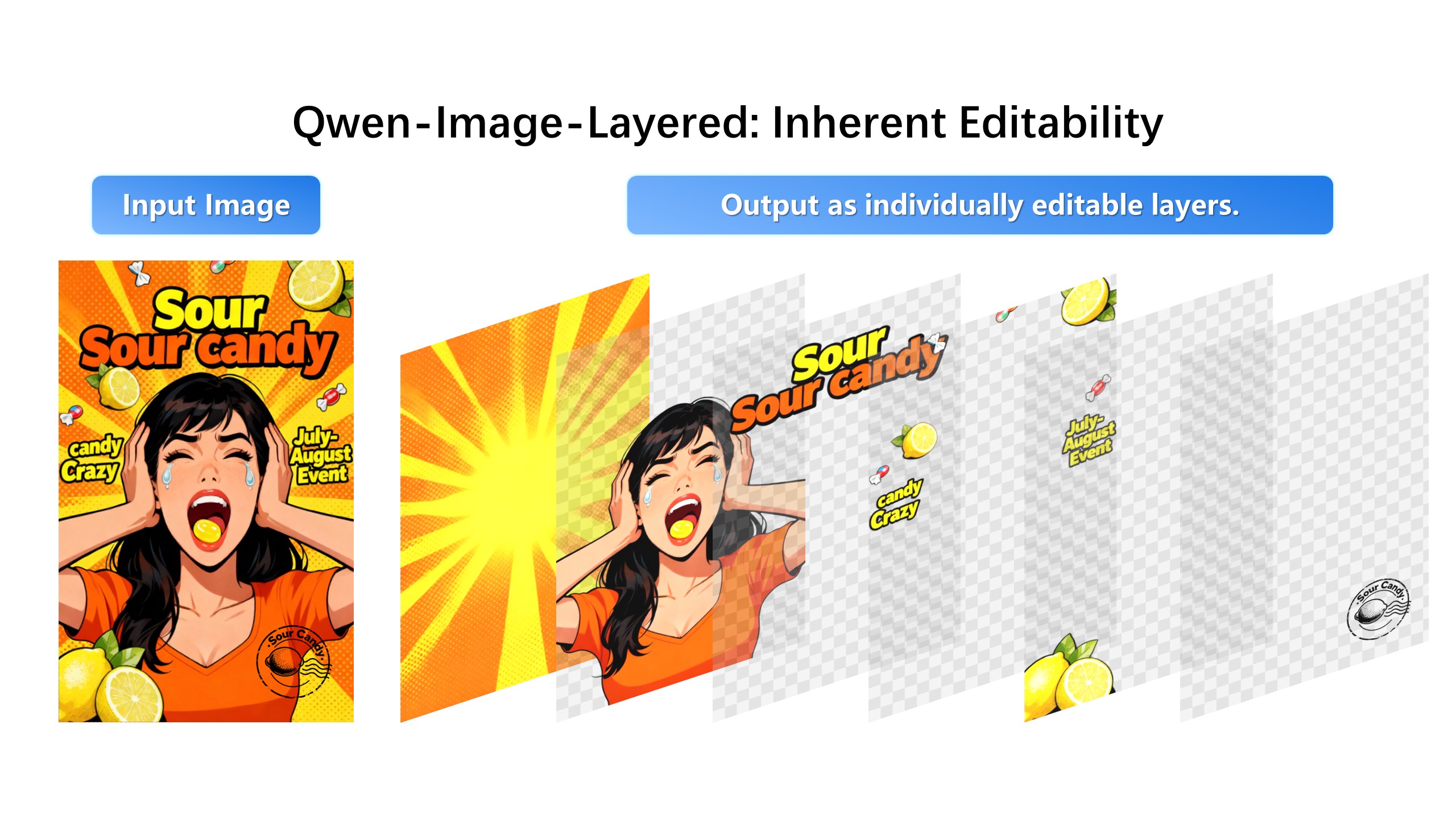
Remove the promotional text and reconstruct the background naturally.
OCR can read text, but it does not rebuild the background behind it or preserve the poster design.
Image Layered separates text, background, logo, subject, and effects so you can revise the visual asset instead of only extracting words.
OCR tells you what the words say; it hands you a string, not an editable element. Localization and redesign need the text as its own layer — movable, rewritable, deletable — sitting above the artwork it used to be baked into. Decomposition gives you that element directly.
Translating an ad or poster normally means cloning the background around every text block. With text isolated on its own layer, each block is selected and rewritten in place: same position, same scale, surrounding layout untouched. One master poster becomes five market versions in one session.
Readable typography with decent contrast separates cleanly; stylized type fused into textures separates partially, and the fix is to edit the text layer rather than fight the mask. Keep the original export so any extraction can be re-run against the untouched source.
1. Upload an ad, poster, thumbnail, or product image.
2. Choose more layers if the image has multiple labels or slogans.
3. Select the text layer.
4. Remove, rewrite, translate, or export the text element.
No. OCR reads text. Image Layered helps edit text as part of the visual image.
Yes. Once text is isolated, replacing it with another language becomes much easier.